Our Commenting feature enables effortless teamwork, swift project turnarounds, and enhanced video quality through collective insights and efficient feedback.
👥 Collaborate effectively
🔄 Speed up production
📈 Produce better quality videos
How to start commenting
Before starting, make sure that at least one other member is also invited into your workspace
(Invite people for feedback)
You can find the Comment option on the top right part of your Draft or Video screens.
Our Commenting feature is here to revolutionize the way you collaborate on video projects. Whether it’s your manager, your content creator, or someone else from your team, anyone you know can now easily contribute to your video.
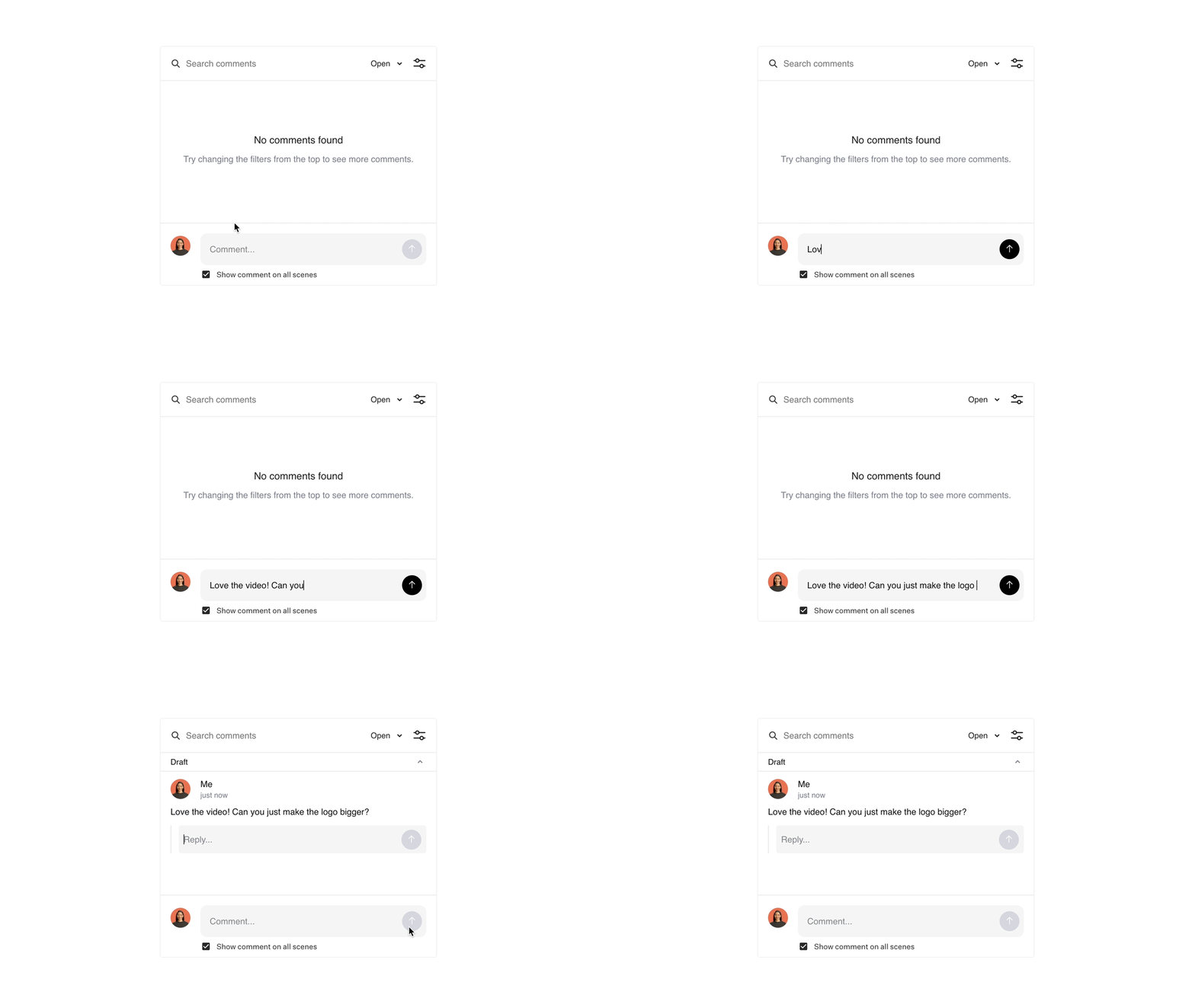
Or filter between Open and Resolved comments as well!
Invite people for feedback
- Invite the user to your Workspace. They will be able to join as a viewer.
- Next, send them a link to your video.
- They can then comment on the entire video or specific scenes.
- You can reply to comments and resolve them directly within Colossyan.
All plans get unlimited viewer roles, which means that you can get feedback from as many people as you'd like.
💬Note: While all plans can have unlimited viewers, commenting straight in Colossyan is only available in Business and Enterprise workspaces.